
Stop Explaining Context to AI Over and Over
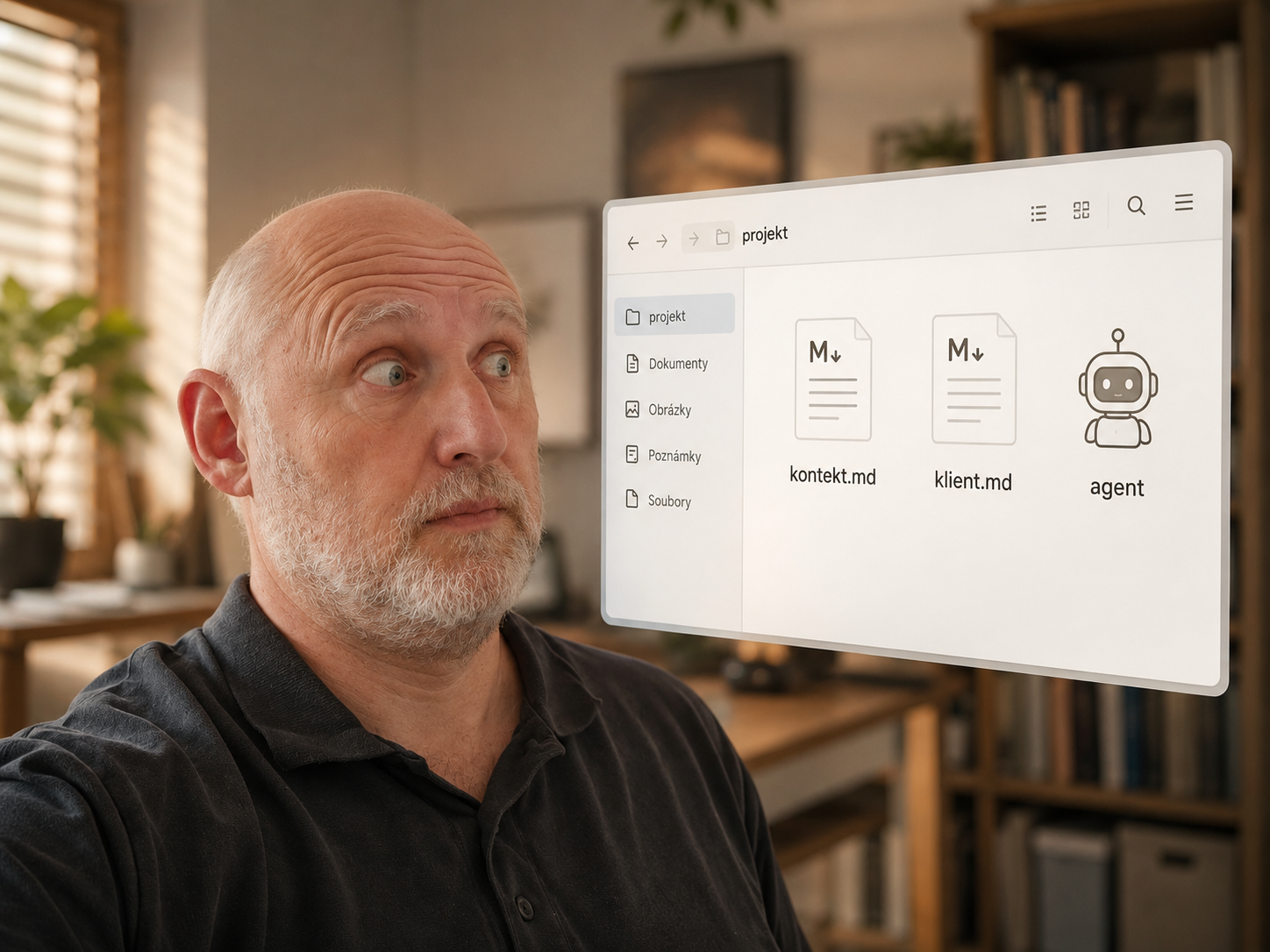
Sometimes you don't need another elaborate AI feature. You just need to pair the newest models with an invention from the last century: a plain folder of files.
The limits of a chat window
AI is great. But in a web chat, it starts losing track of what topic you're actually talking about after a while.
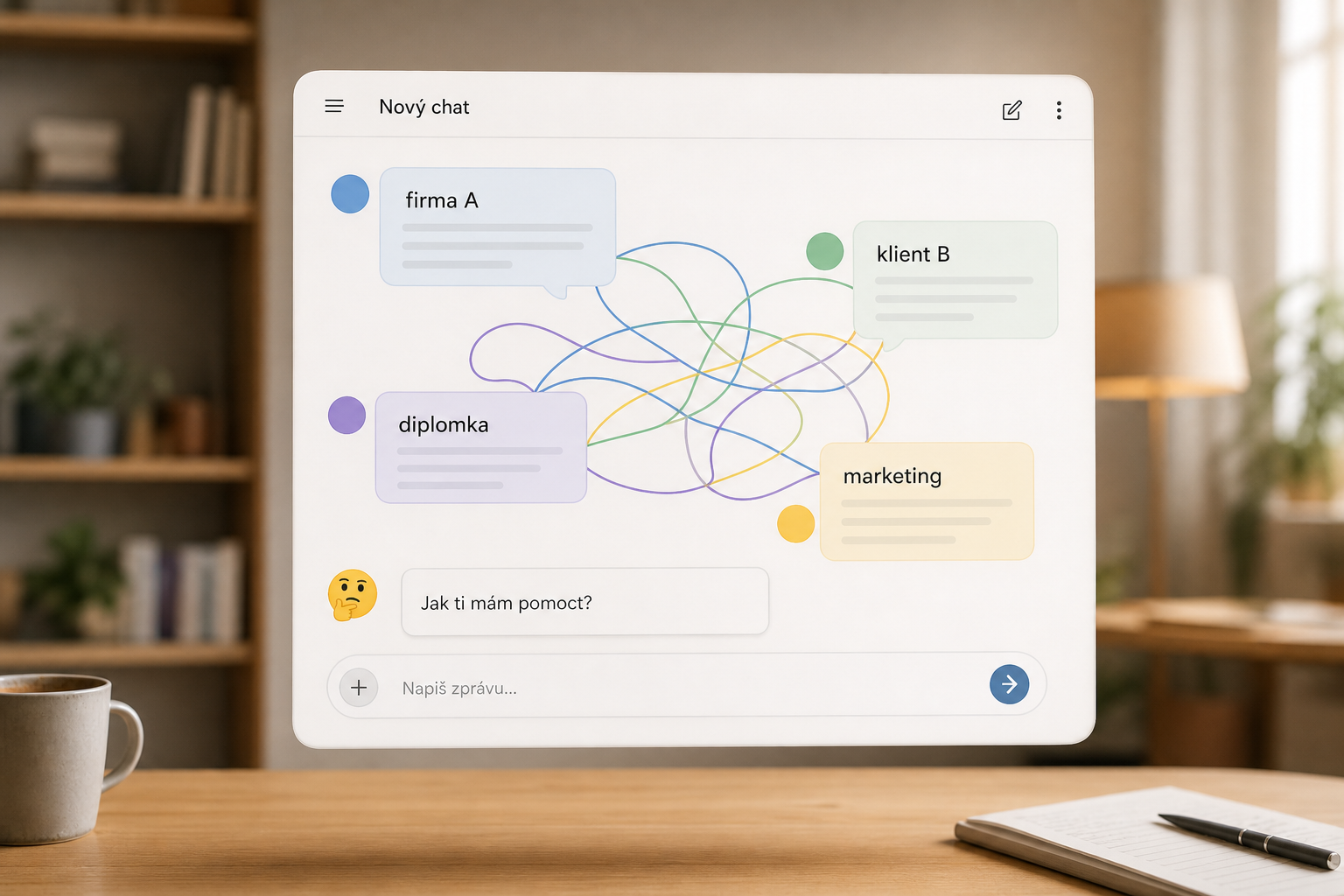
Do you run two companies? Two clients at once? Are you writing about a thesis one moment, marketing the next, and a specific customer after that? And then you catch yourself starting a prompt with, "Just so you know, I'm talking about client XYZ now."
That's not a failure of the AI. That's a failure of the working environment.
Web chats typically have a memory that tries to hold on to something about you and your work, plus custom instructions in settings. That's useful, but it isn't enough once you're juggling several contexts at once. Sometimes you don't know what the chat remembers. Sometimes you don't know what it doesn't. And above all, there's no clear source of truth.
Projects help, but they still aren't the source of truth
Web versions of these tools respond to this with projects. You upload files into a project and then chat over them.
That's a big step forward. But you're often still working with an uploaded copy of the file. When the source material changes, you have to make sure the chat has the current version. If you have live notes, long-running projects, multiple clients, or multiple companies, managing context turns into a job of its own.
And that's exactly the moment it makes sense to step back.
The problem isn't AI — it's where the context lives
Wouldn't it be better to have a place where you can work with your own files, edit them normally as text, and at the same time have an AI assistant that can read them and change them as needed?
The answer is an invention from the previous century: a folder of files.
You have one folder per project. Inside it, text files with everything the AI should know. Things like basic facts about the customer, meeting notes, communication rules, ideas, open questions, decisions, or things that must not be forgotten.
It's best to write it in Markdown. That's a plain text format that reads well even without special software. A heading is a heading, a bullet is a bullet — nothing mysterious. Plenty of editors handle it just fine.
Suddenly the context isn't hidden away somewhere in the chat's memory. It's right in front of you.
Why files beat a chat's hidden memory
A folder of files is really an agent's memory. Except it's one you manage yourself.
You decide what goes into it. You see what's stored in it. You approve or reject any change the AI proposes. When you come back a week later, you're not starting over from an empty chat. The agent reads the instructions and material from the folder.
That's the key difference. A chat's memory is convenient, but partly invisible. A file is plain, visible, and fixable.
In practice: AI working over a folder
Different tools already do this in different ways today. With Codex, it's through a desktop app or a CLI. With Claude, it depends on whether you're using Claude Code or Claude Desktop with file access. Google has the Gemini CLI, and for developers, Antigravity — an agentic development platform.
The specific tool isn't the main point. The principle matters more: the AI isn't working in just one isolated chat. It's working over a folder where your project actually lives.
The console is just one way to get there
The word "console" is enough to scare some people off. It looks like programmer territory that ordinary people shouldn't enter without a hard hat.
But the console isn't the essence of the thing. It's just one path to having AI work over a local folder. Some people will prefer a command line, some a desktop app, some an editor-like environment.
If you do use a console-based tool, it's often enough to know the basics: open the right folder and run a command. From there you talk to the AI much like in a chat. The difference is that, alongside that, it has access to the files in your folder.
This isn't a replacement for a developer. It isn't an invitation to start editing someone else's application yourself. It's a working window over your own text and source material.
What this can look like in practice
You can have a folder for each customer. Inside it, a file with the basics that apply everywhere: what the customer does, who decides, what boundaries have been agreed, what's already been addressed, and what tone of communication works.
Subfolders can then hold individual projects. Each one has its own notes, decisions, drafts, outputs, and open questions.
You can then tell the agent something like: load the customer's base file, look at the available projects, let me pick one, and only then read the details.
This is simple, but very powerful. You no longer have to spend ages explaining to the AI what world you're operating in. That world is already stored in the files.
Multiple projects need multiple separate contexts
The more things you're juggling at once, the more important it is to keep contexts separate.
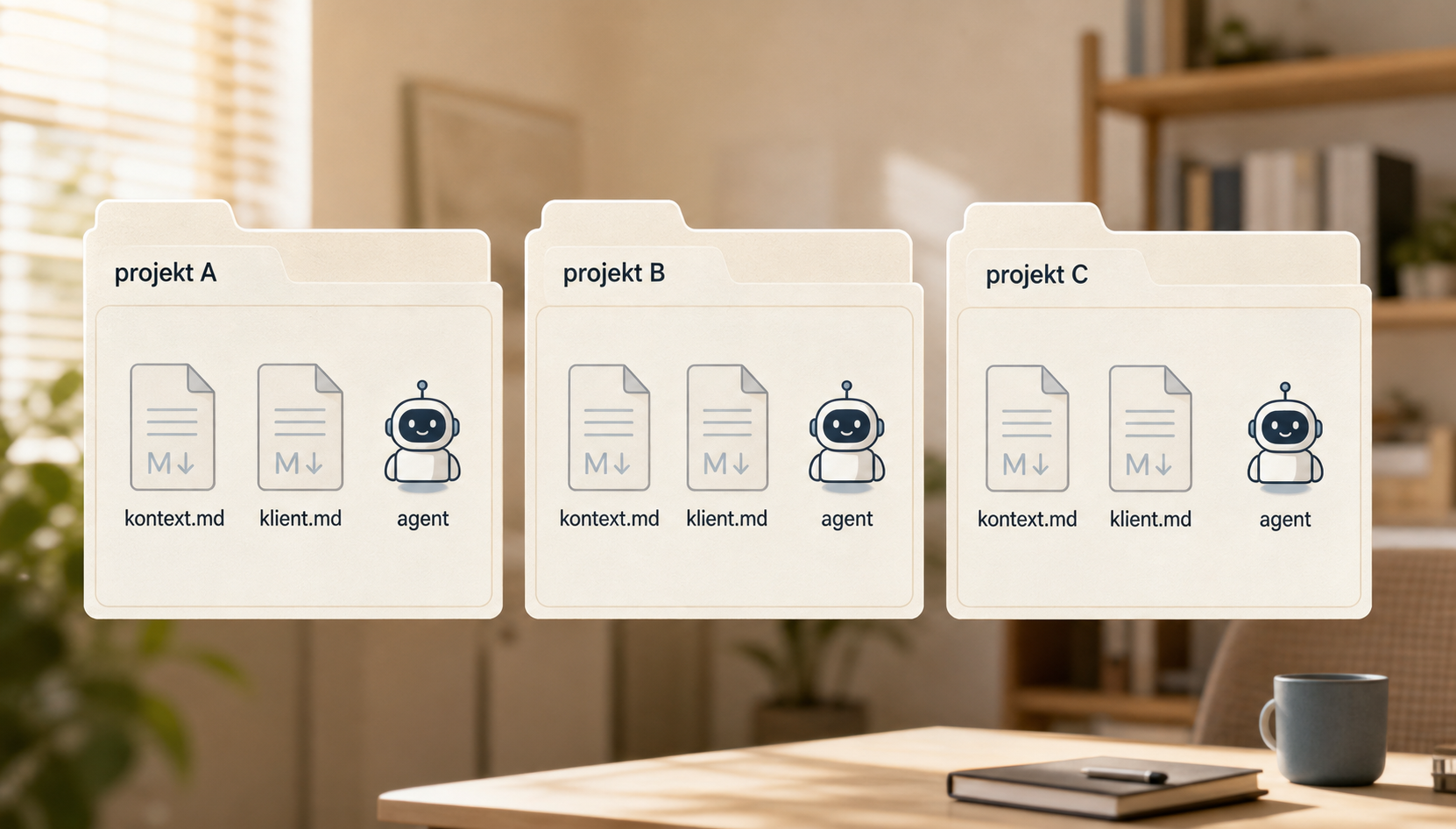
One project shouldn't accidentally pull in information from another. One client shouldn't blend into another. One company shouldn't inherit another's rules. In a web chat, this blurs easily, because everything looks like just another message in the conversation.
In folders, the boundary is more natural. Every project has its own place. You can keep shared information elsewhere and tell the agent when to load it. The specifics stay with the specific project.
Backups and change history
Because the files live locally, it makes sense to back them up. You can back up the folder however you're already used to.
Or you can learn Git. It's not just for developers, and for simple use it's not as intimidating as it looks. In return you get backups, a change history, and the ability to see what's changed since last time.
That matters quite a bit when working with AI. When an agent edits a file, you want to see the diff. You want to be able to say: this, yes — that, no. And if something goes wrong, you want to be able to roll it back.
What to watch out for
None of this means you should blindly click "accept" on everything the tool suggests.
Don't get into programming territory if you don't know what you're doing. Don't approve running commands just because the AI sounds confident. If you're only working with text, stick to text.
It's just as important to think about what you actually store in these files. Keep in mind that when a cloud AI service works over them, the content can leave your computer and go to the service you're using.
Passwords, tokens, access credentials, sensitive customer data, and personal information don't belong in a folder like this without a clear reason and careful thought. And a password sitting in a text file is a bad idea even without AI in the picture.
The point: context belongs in files, not hidden in a chat
The point isn't that you have to use one specific tool. The point is that context needs a proper place to live.
When it's tucked away only in a chat, it's hard to review, edit, or carry between projects. When it's in files, you can read it, change it, back it up, version it, and hand the AI only what it actually needs right now.
AI then stops being a window you keep explaining the same thing to, over and over. It starts being an assistant that works over your own material.
Want to use AI with your own source materials?
We can help you design a simple solution that keeps your context, data, and workflow under your control.
Send us your problem